
Custom DTF Gangsheet Builder: Custom Order Production Guide
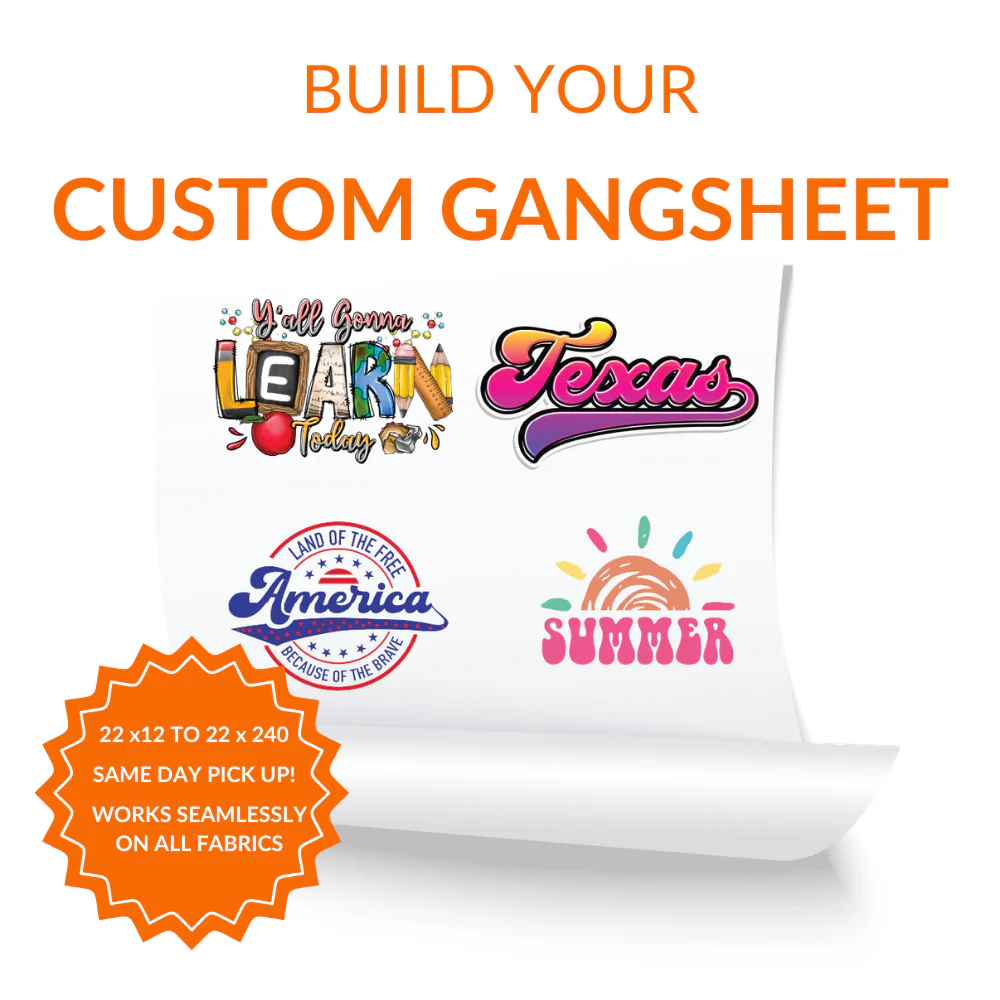
Custom DTF Gangsheet Builder helps custom projects move forward with product details, artwork expectations, and production requirements already connected. The DTF gangsheet builder combines double matte cold-peel film with a controlled browser layout tool, giving repeat apparel batches, mixed artwork sheets, and print shops a practical route for DTF heat-transfer production involving cotton, polyester, and blended apparel.
Advantages for Custom Projects
The DTF gangsheet builder helps repeat apparel batches, mixed artwork sheets, and print shops coordinate product selection, artwork approval, and DTF heat-transfer production within a clearer production plan.
-
Design control: The browser layout tool helps check artwork resolution, final scale, spacing, layout, and placement instructions before production.
-
Application performance: double matte cold-peel film supports practical handling, visible detail, and a finished result prepared for custom application.
-
Batch options: It can help repeat apparel batches, mixed artwork sheets, and print shops manage samples, client orders, repeated sheets, and batches containing multiple designs.
Requirements Before Production
Complete artwork, accurate item details, and documented instructions improve the setup for DTF heat-transfer production.
-
Supply production files: Use artwork at final dimensions with clean edges, suitable resolution, and transparent areas where required.
-
Inspect the target area: Make sure cotton, polyester, and blended apparel are clean, dry, and appropriate for the chosen transfer, sticker, or decal process.
-
Preserve order information: Save file names, dimensions, quantities, layout selections, and placement notes for future jobs.
Application and Finished Surface Care
Good preparation and controlled handling help the applied design maintain a clean, consistent finish.
-
Remove surface debris: Clear away lint, dust, oils, moisture, and loose fibers before application.
-
Confirm position: Check the final alignment before pressure, adhesive contact, or transfer steps begin.
-
Allow careful handling: Avoid immediate washing, scraping, bending, or heavy contact after application.
Frequently Asked Questions
When should I choose Custom DTF Gangsheet Builder?
Choose it when repeat apparel batches, mixed artwork sheets, and print shops need an organized product option for DTF heat-transfer production.
How does this DTF gangsheet builder support the order process?
The browser layout tool helps bring artwork size, item choices, placement instructions, quantity, and production notes into one setup.
Which details need approval before production?
Approve the final artwork, dimensions, product or surface color, quantity, decoration placement, and any special finishing instructions.
What compatibility requirements apply?
This product is intended for cotton, polyester, and blended apparel. Confirm that the chosen item or surface matches the planned production method.
Is it suitable for professional and repeat work?
Yes. It can support customer jobs, branded merchandise, retail products, event items, team orders, and repeat projects for repeat apparel batches, mixed artwork sheets, and print shops.
What records should I keep for reorders?
Keep approved artwork, exact sizing, item selections, placement references, quantities, and production notes from the completed order.
How do I protect the completed item?
Follow the base item care label or application guidance and avoid bleach, abrasive cleaning, scraping, or direct heat over decorated areas.